Staff app
Run the pickup board from the counter tablet.
The Pickup Signal app puts the barista and kitchen screens on an iPad, iPhone or Android tablet. Staff tap Ready, and the customer's name goes up on the pickup TV.
Google Play coming soon
Included with your shop. iPad and iPhone on iOS 16.4 or later, Android 7.0 or later.
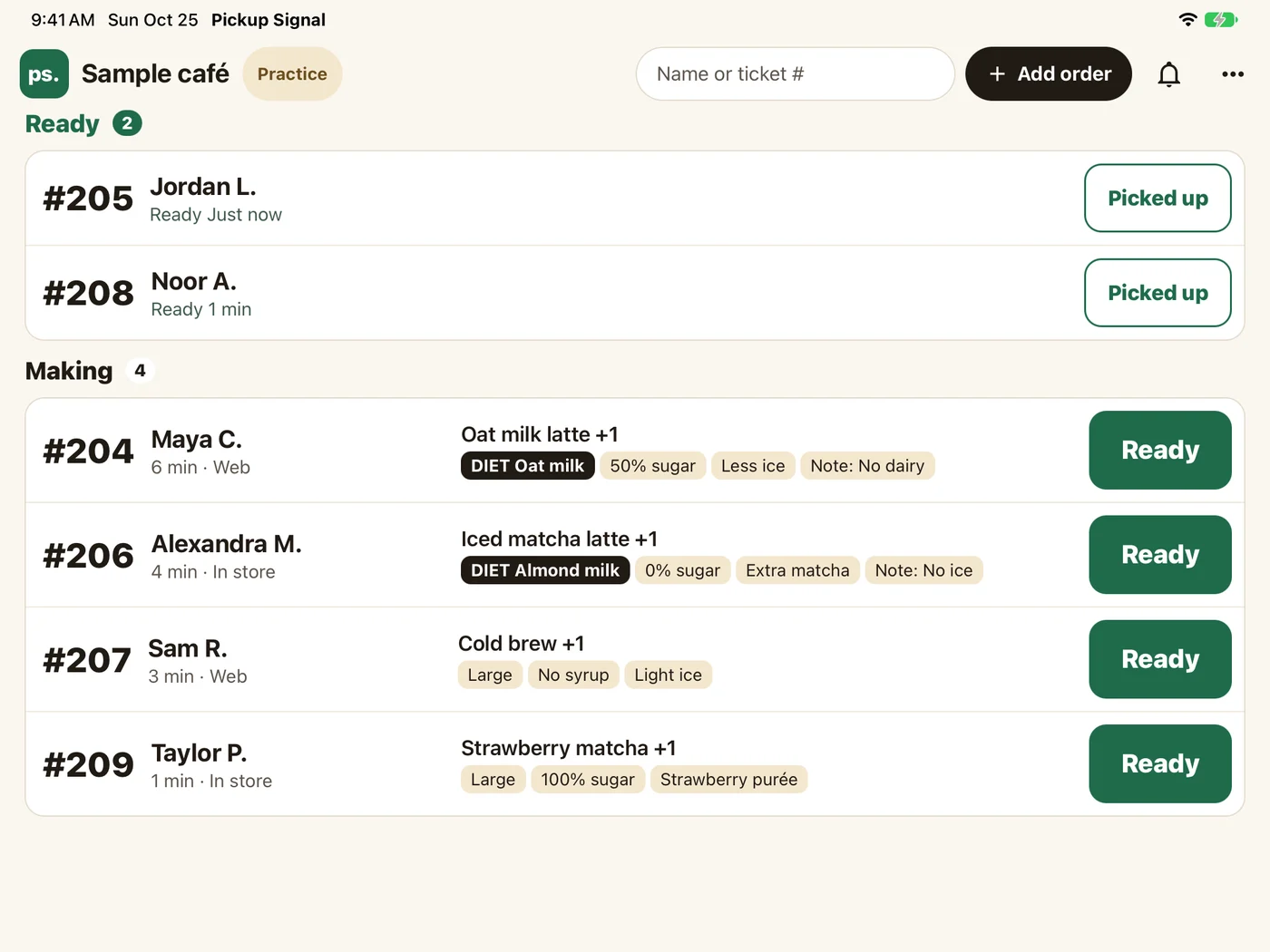
Two screens
Two screens for the two jobs behind the counter.
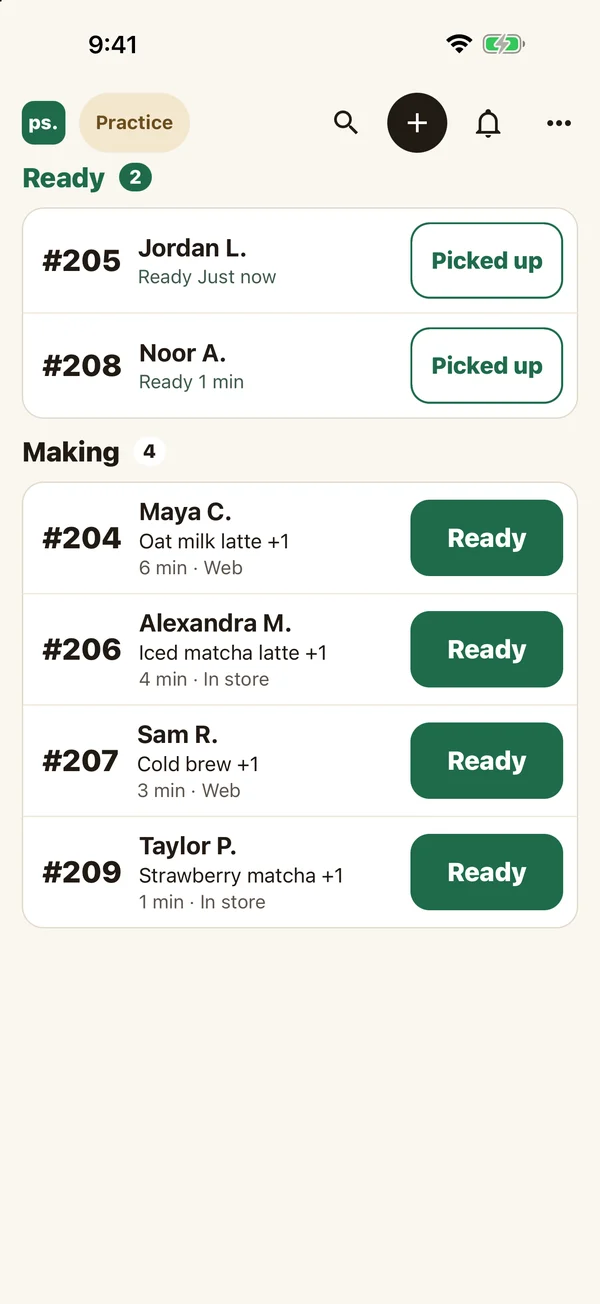
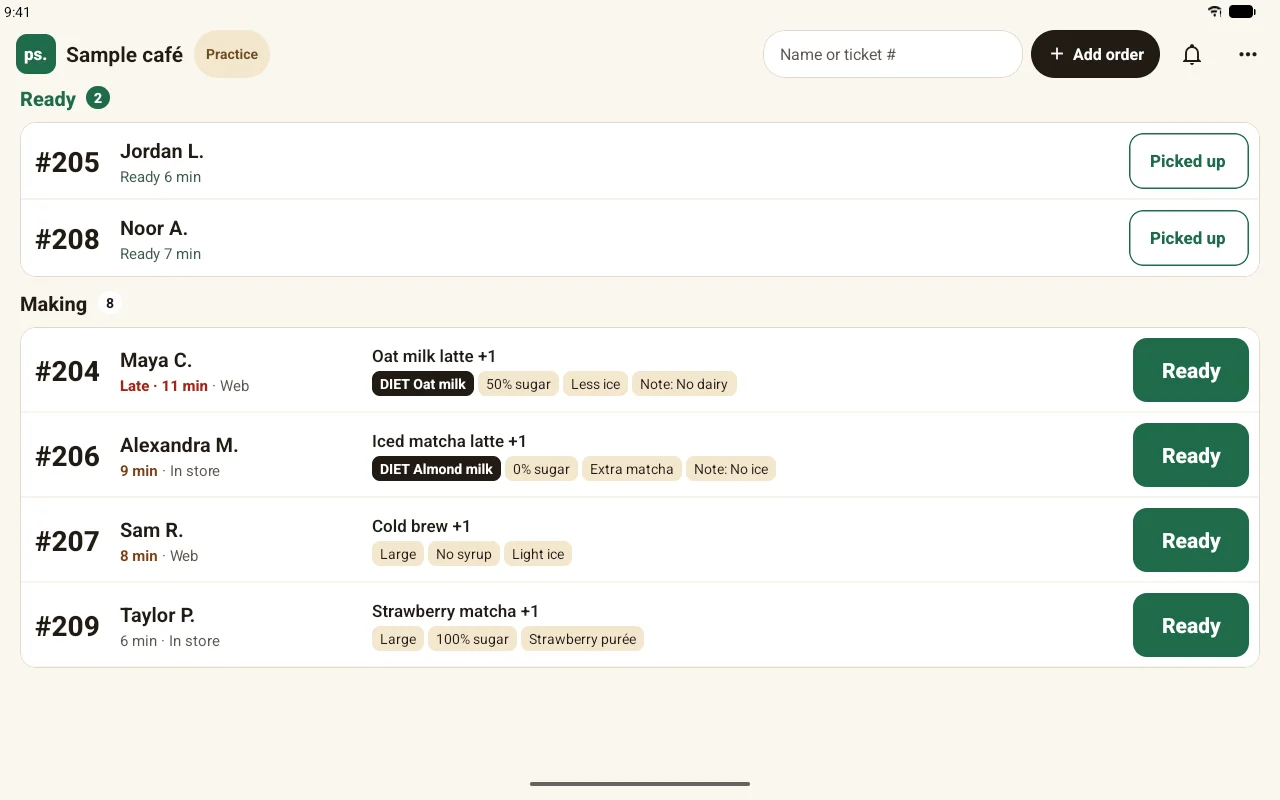
Barista
Every open order in one list. Ready, Undo and Picked up are one tap each, and a chime sounds for each new order. Volume is set per tablet.
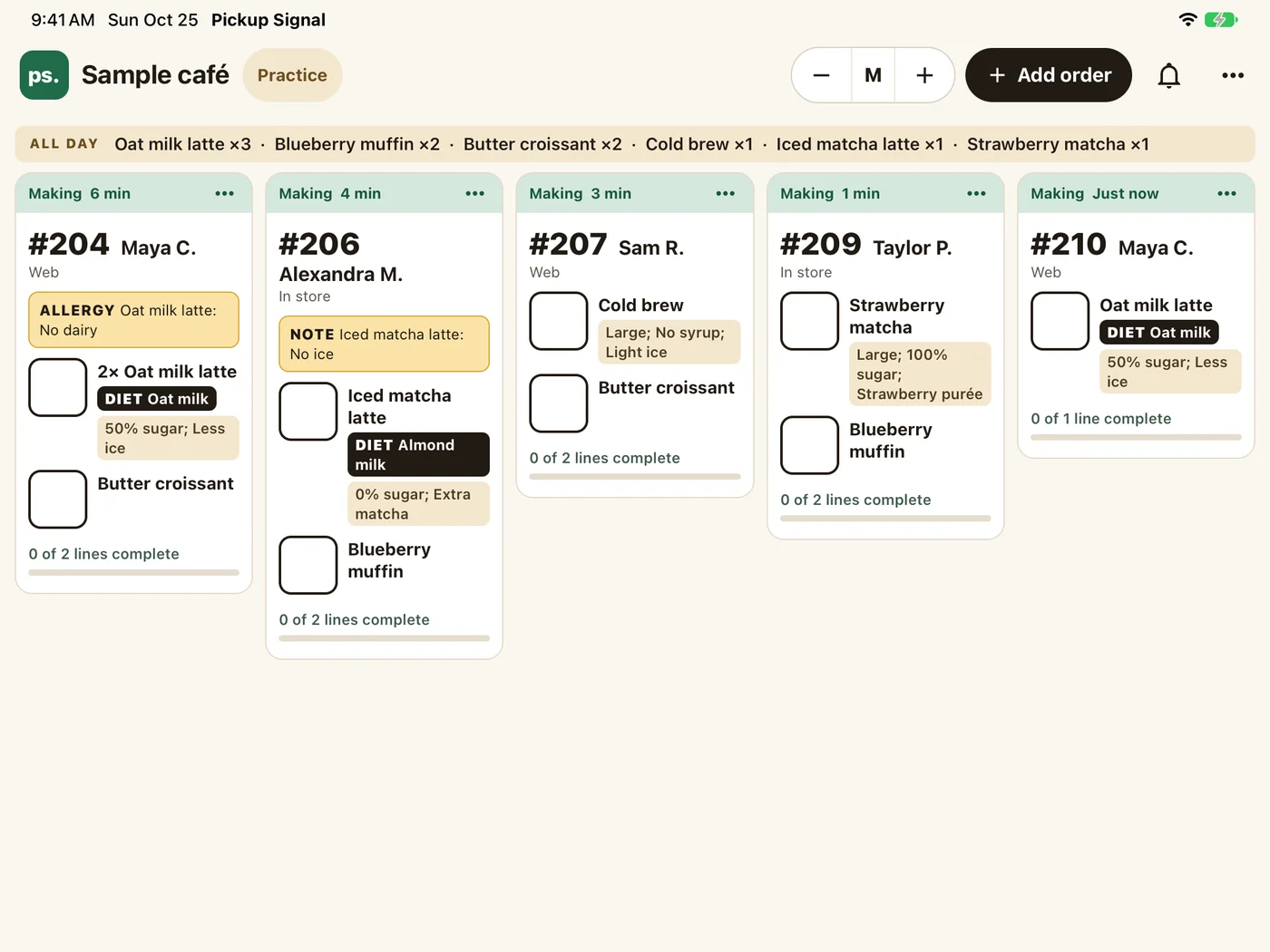
Kitchen
Each ticket with its items and options in full, so the make line sees exactly what was ordered. Tick each line, tap Mark ready, and the name moves to Ready on the TV.
Orders in
Orders arrive from your register.
Square, Clover and Toast orders show up on the tablet as they are rung in. With any other register, staff add a name in two seconds from the app.
Connect
Connect a tablet in under a minute.
Staff never make an account or remember a password. The owner's QR code links each device to the shop.
Set up your shop
Create it at pickupsignal.com and connect your register.
Show the staff QR
In the dashboard, open Staff and show the QR code.
Scan it in the app
Open Pickup Signal on the tablet and point it at the code.
On the TV
Put the board on a TV from an iPad.
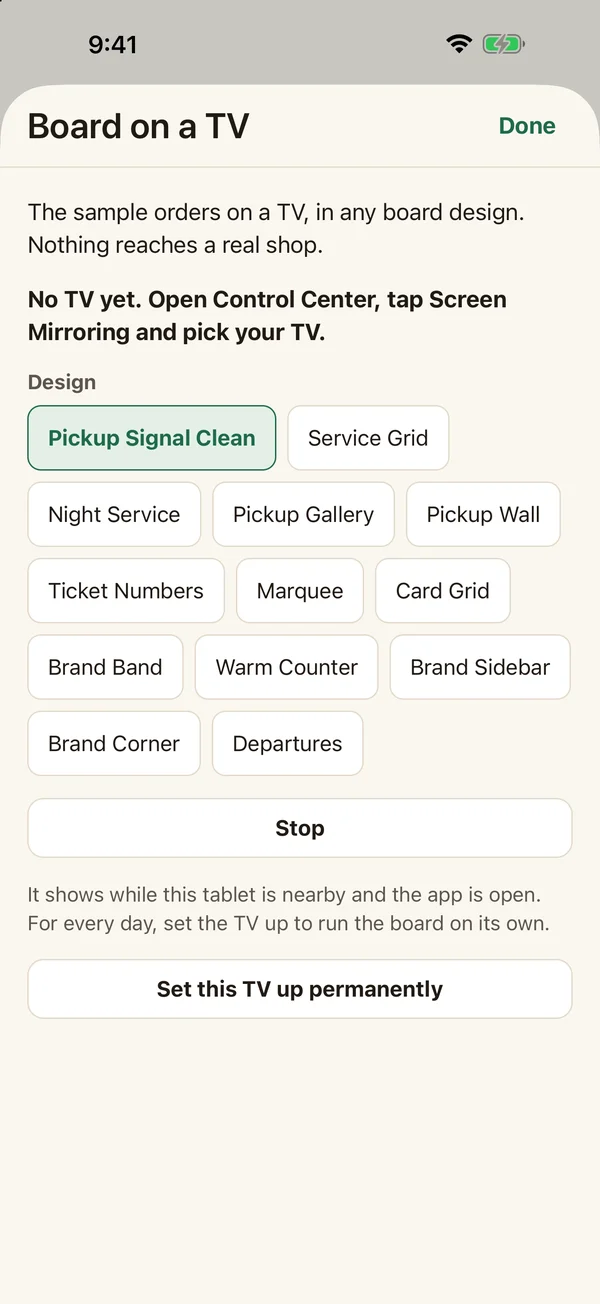
AirPlay to an Apple TV and the pickup board fills the screen while the iPad keeps the staff view. Any TV with a browser can show the board too.
Try it before you have a shop
Open the app and tap Try it now. Sample orders come in, you mark them ready, and you can preview any board design on your own TV.
Questions about the app.
What does the app cost?
Nothing extra. It comes with your Pickup Signal shop, and you can connect as many staff devices as you need.
Which devices does it run on?
iPad and iPhone on iOS 16.4 or later, and Android tablets and phones on Android 7.0 or later. The screen stays awake during service.
Do staff need their own accounts?
No. Each device connects with the owner's staff QR code. The owner can remove one device from the dashboard without touching the others.
What happens if the Wi-Fi drops?
The app keeps showing orders and tells staff plainly when actions are paused.
Can staff still use a browser?
Yes. The staff page at pickupsignal.com works in any browser, so a shop can mix the app and a browser on different devices.
Set up your shop, then hand staff the tablet.
The board, the dashboard and the staff app come together for one price per location.
No card. $19.99 a month per location after.