
Nobody has to ask “is mine ready?”
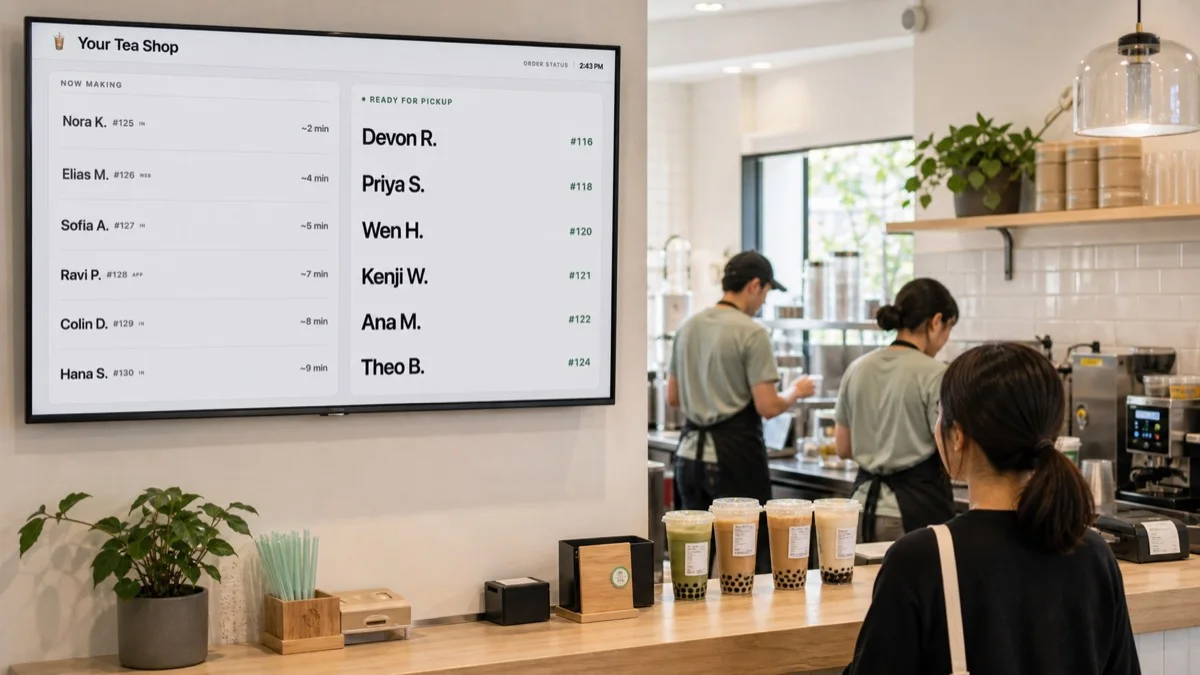
A live pickup board on the TV you already own. Orders arrive from Square, Clover or Toast, your staff tap once, and the whole line can see where their drink is.
Pickup Signal is a customer-facing pickup board for made-to-order counters. It shows each order's name or number on a TV as staff move it from making to ready, so nobody has to ask. Connect Square, Clover or Toast, or have staff add orders from any register. $19.99 per location per month.
No card · $19.99/mo per location after · Cancel any time, the board just turns off
On the wall this afternoon.
No installer, no contract, nothing to mount but the TV you already own. Device guide →
- 1Connect your registerSquare, Clover or Toast from your dashboard, or skip it and let staff add orders.
- 2Pair the TVOpen pickupsignal.com/tv on the screen, type six characters into your dashboard.
- 3Tap ReadyThe name moves to Ready on the TV.
The staff side
One tap per order.
The barista's phone shows what's making. Tap Ready and the customer's name moves on the TV that second. If someone forgets, nothing breaks; the order just stays in the making column.
This screen is set to Ready only, the way a spare iPad by the handoff would be. Tap Ready on the phone and the name lands here.
Making
Ready · waiting at pickup
Nothing changes about how you ring up an order.
Type a name, tap Add. Two seconds, on the same screen where they mark orders ready. Works with whatever you run today.

 Toast
Toast
Square connects in a few clicks. For Clover, paste an API token from your Clover dashboard. For Toast, paste API credentials from Toast Web. Orders then reach the board by themselves. No retyping.
Your website, kiosk, or a Zapier automation can put orders on the board too.
One screen near pickup. Or two.
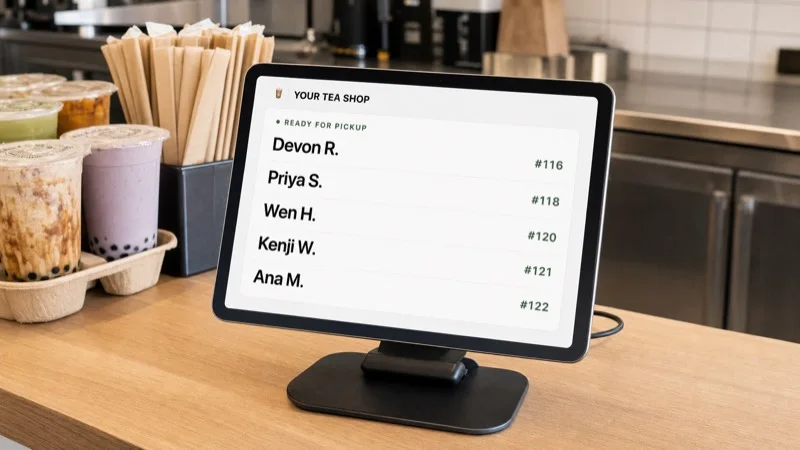
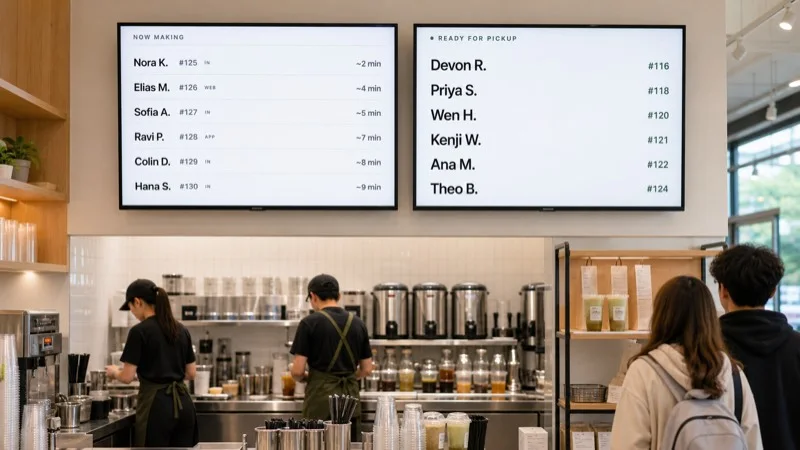
Real board screens in illustrated rooms. See all fourteen boards →
Pricing
$19.99
per month, per location. 30 days free first, no card.
- Unlimited orders, screens and staff devices
- Square, Clover or Toast sync, fast staff entry, or the API
- Fourteen board designs in your colors
- Cancel any time. The board just turns off.
Questions shops ask before trying an order-ready board.
Do I need Square?
No. Staff add an order in about two seconds on the same screen where they mark orders ready. Connecting Square, Clover or Toast automates that first step.
Do we need to buy a screen?
Usually not. Any TV with a browser works, or a spare iPad or Android tablet. If your TV can't, a $35 streaming stick can. Ask before you spend anything.
What do customers see about themselves?
First name and last initial with the order number, or just the number. Nothing else reaches the screen.
What if a customer misses their name?
Nothing disappears. Orders stay in Ready until picked up. If one sits too long it moves to 'please see staff' on a timer you choose.
Does this replace our register or kitchen display?
No. It is the customer-facing layer beside them. Payments, menus and production stay exactly where they are.
What happens if I cancel?
The board turns off. There is nothing to get back from us and your register is untouched. During the trial there is no card on file, so there is nothing to cancel.
Give the line one place to look.
Run it through your next two busy Saturdays. If the counter isn't quieter, turn it off and nothing else changes.