01
Pick a design
Fourteen designs, from a clean two-column board to a flip-tile departures table. Answer two questions about your shop and the designer suggests a few to start from.
Board designer
Start from one of fourteen designs. Add your menu, an offer, a notice or your photos beside the order list. Your TVs change when you press Publish.
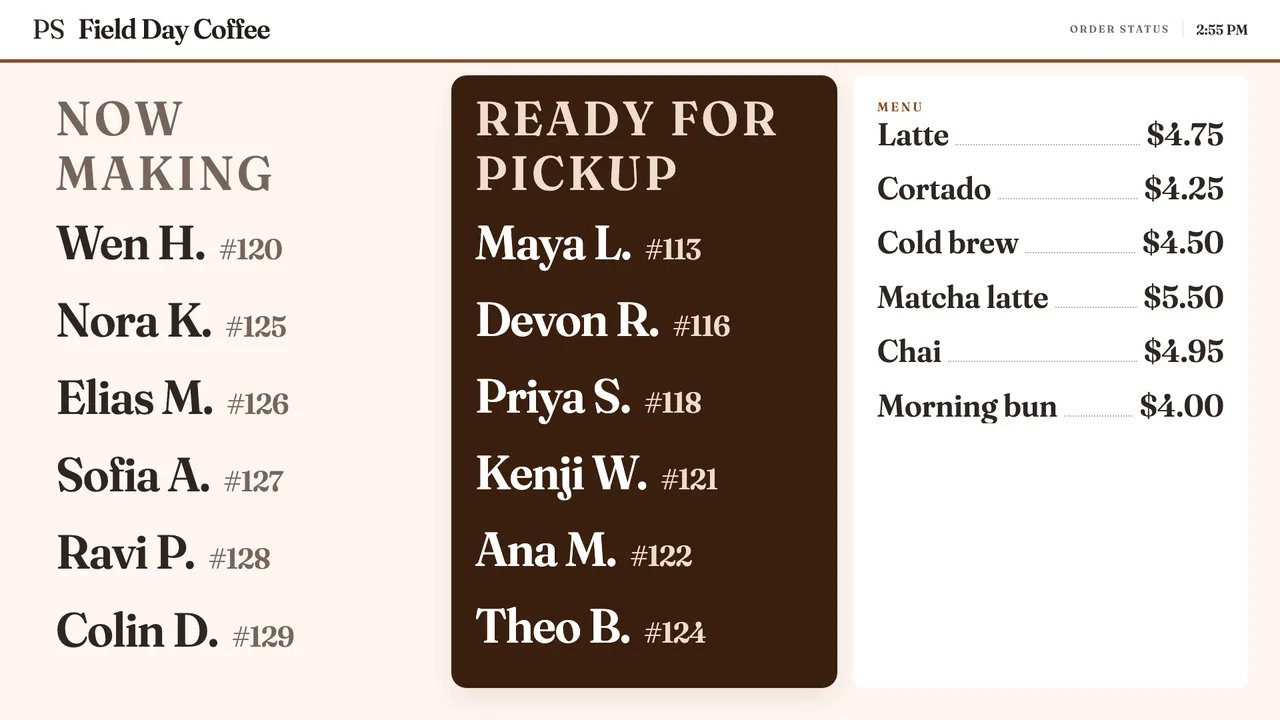
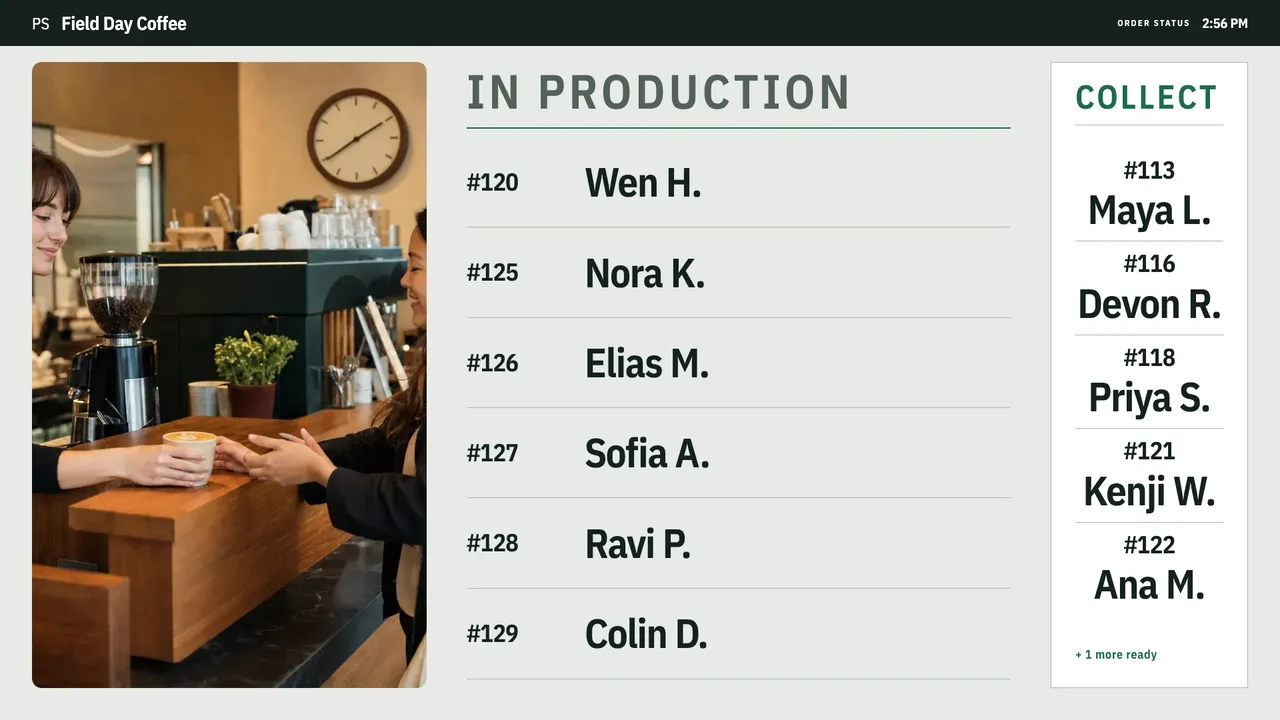
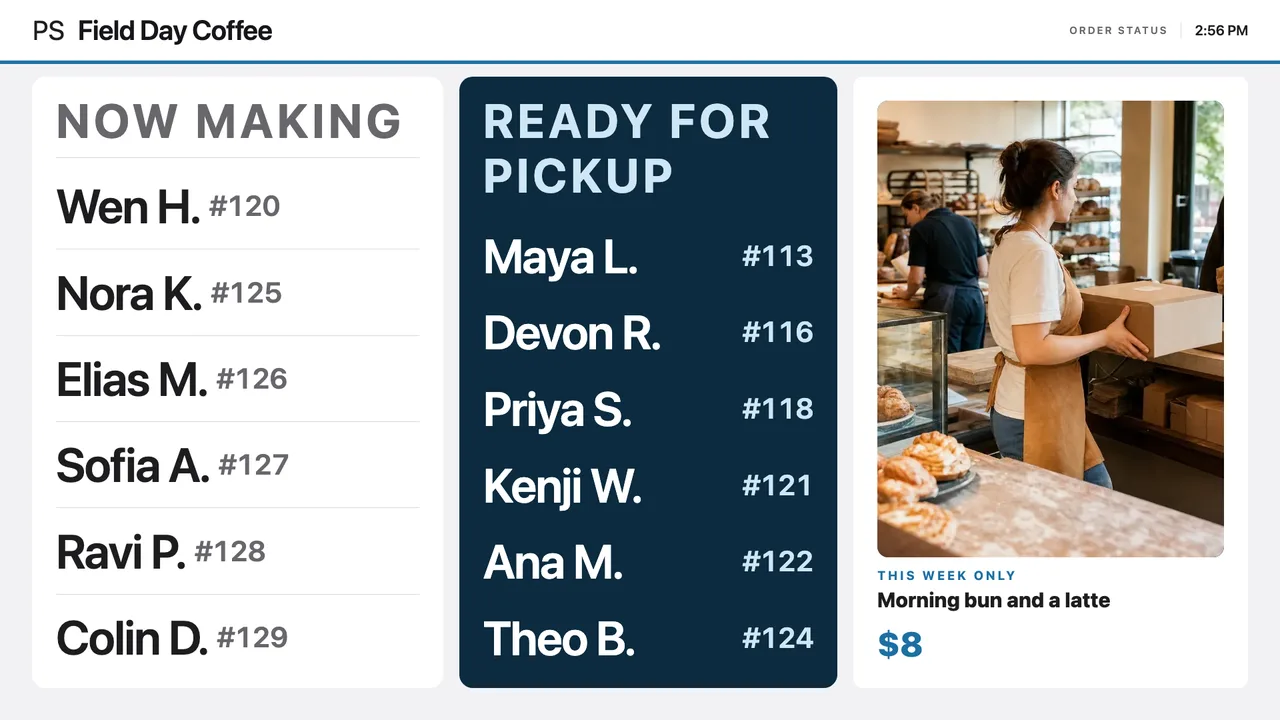
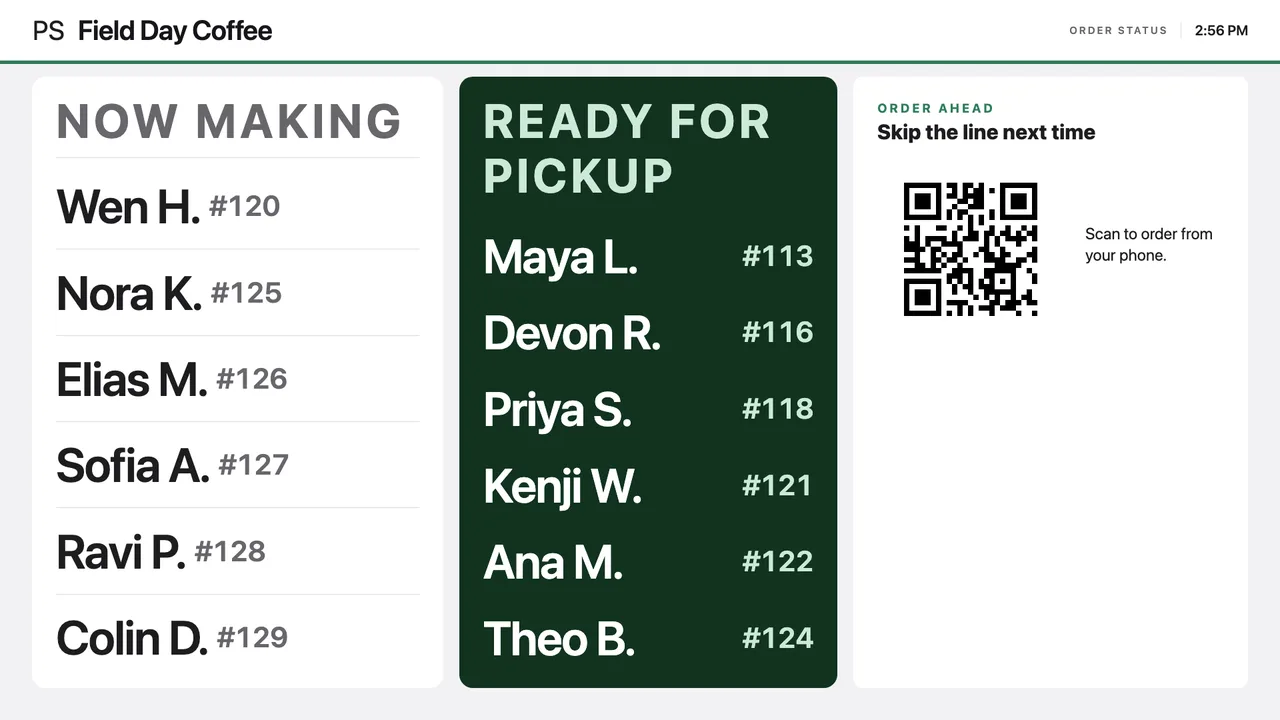
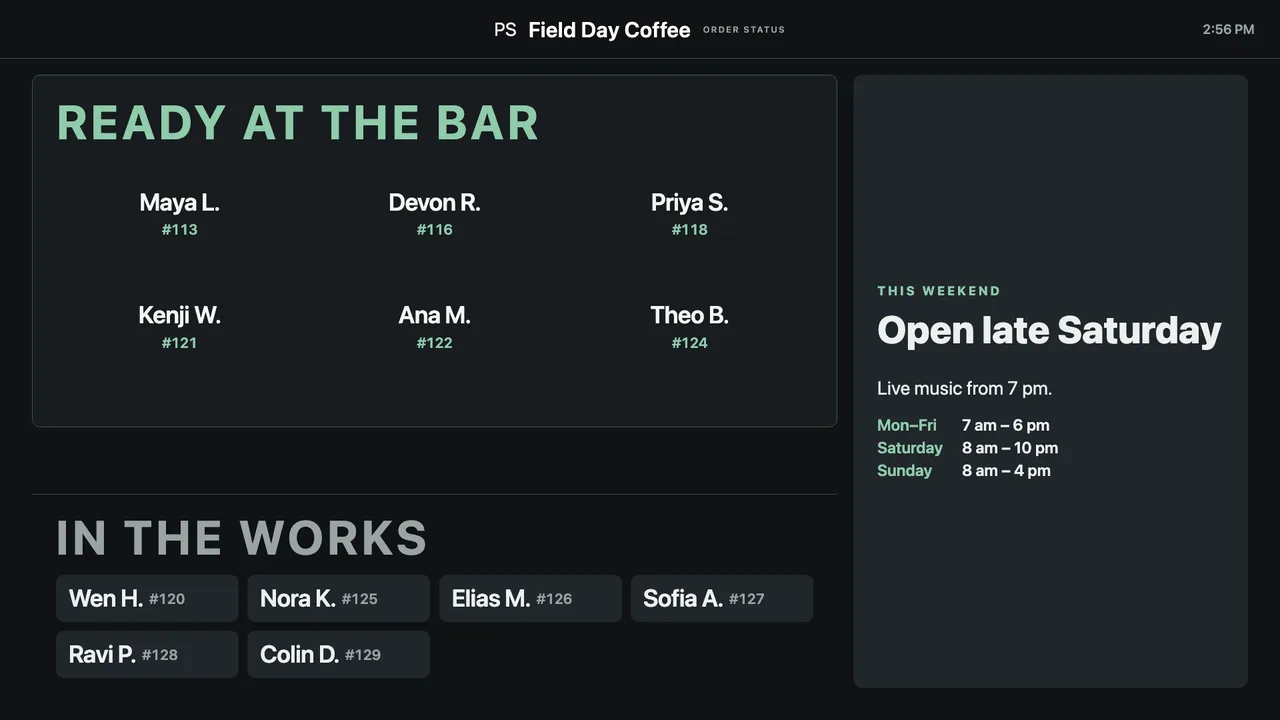
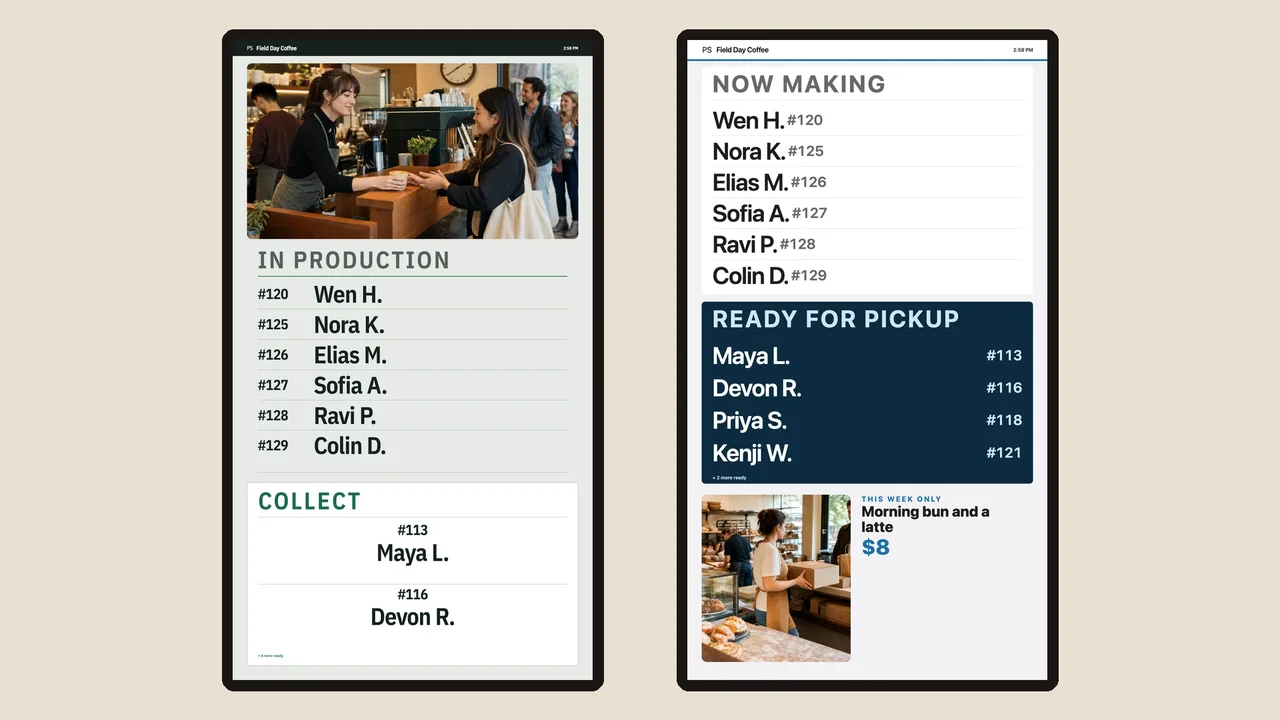
From blank TV to your board
01
Fourteen designs, from a clean two-column board to a flip-tile departures table. Answer two questions about your shop and the designer suggests a few to start from.
02
Put your menu, an offer, a notice or your photos on any side of the order list, and size each one to fit your TV.
03
Review lists every change. Press Publish to TVs and every TV in the shop updates at once. Until then, customers keep the board they had.
Fourteen designs
Type your shop's name, pick a color and switch between all fourteen designs on the same live queue.
Pickup Signal Clean board shown.
Shop color
Design
Where to start
Most shops
Balanced Making and Ready columns, names and numbers, readable from across the room. Start here if unsure.
Bakery & café
Each order is listed with its wait time, menu-style. Warm, low-glare, fits a hospitality room.
Privacy first
No names at all. Outlined while making, filled when ready. Customers keep their receipt.
Busy counters
Compact rows led by ticket number for teams carrying fifteen or more orders at once.
Every design lists its caveat in setup: Marquee holds one name at a time, Pickup Wall shows no production queue, Night Service reflects in bright rooms. You'll know before you pick.
Blocks
Items and prices from your register in one tap, or typed in.
A slideshow of your own pictures.
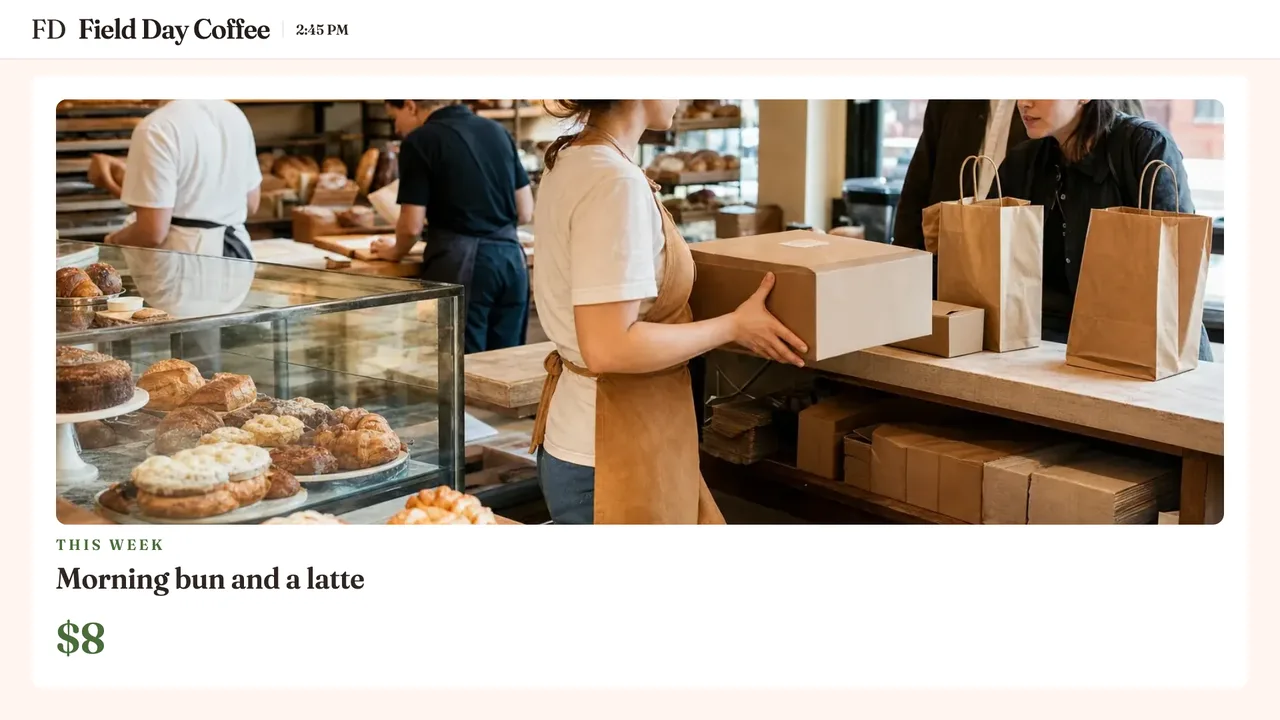
A headline, a price and a photo for this week's special.
Your hours, a holiday closure or a short message.
Customers scan it to order ahead from their phone.
Your name, a photo and a line about the shop.
A slideshow block puts your menu, an offer and a notice in one spot and shows them in turn.
Screens
Make up to eight screens beside your order board. Each TV picks what it shows from your dashboard: the full board, Ready orders only, Making only, or one of your screens.
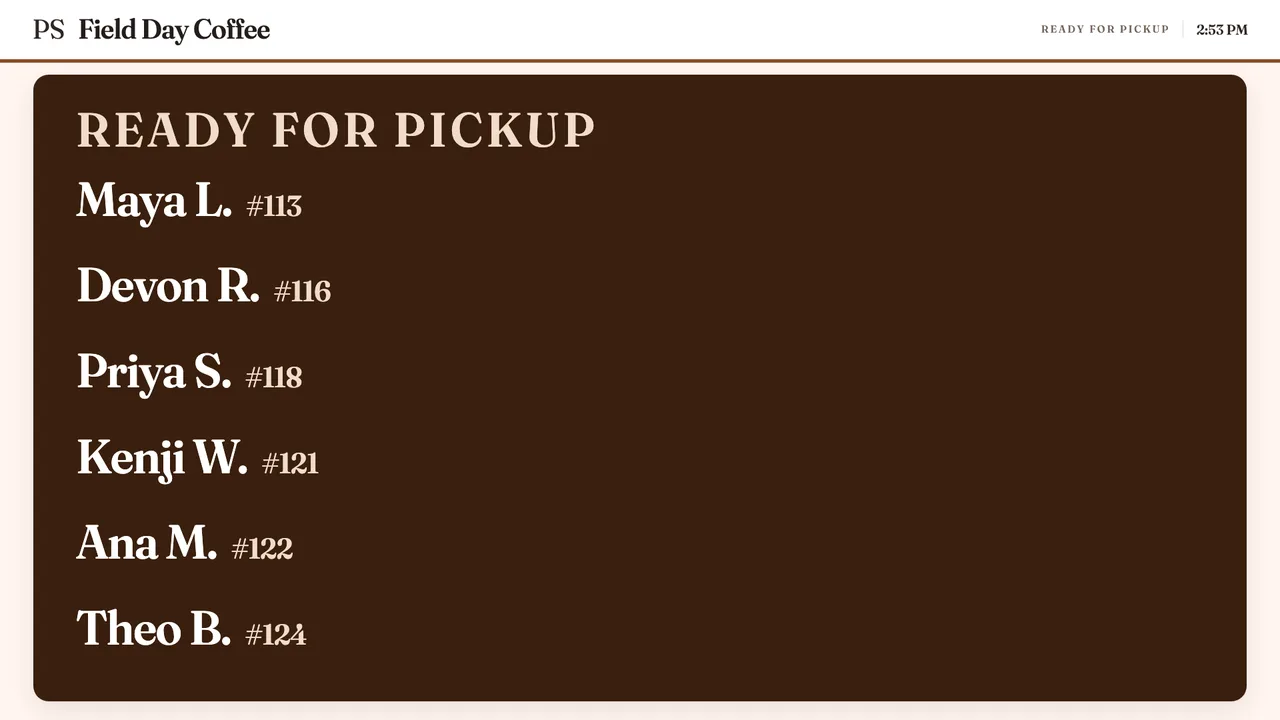
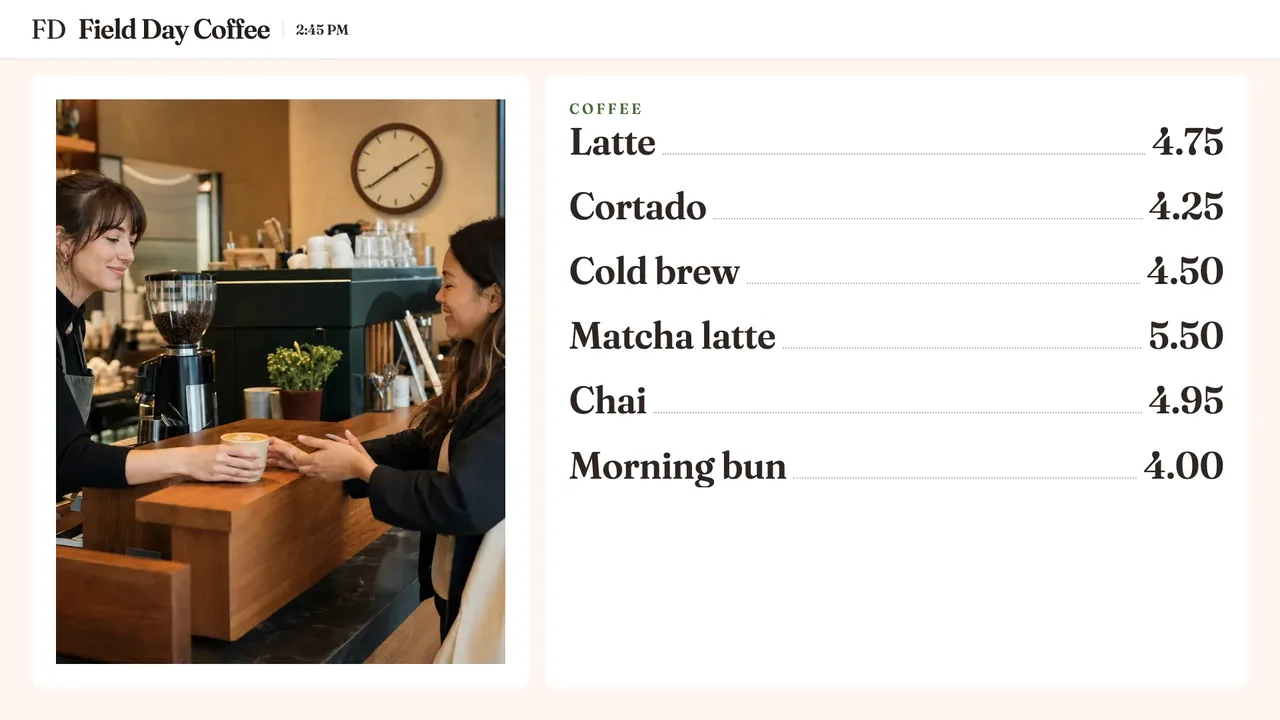
Fit your room
Match my logo picks colors from your logo. You can still change each one.
Check from 10 feet shrinks the board to about how it reads across the room.
The board lays itself out for a wide screen or a tall one.
Show first names, order numbers or both.
When the shop is closed, the TV can show a slideshow of your pictures.
Preview the board empty, normal or busy before a customer sees it.
Every edit starts as a draft. Undo steps back, and Discard returns to the board on your TVs. Try all fourteen designs →
Start the free trial, open the designer and build the board. Pair a TV when it looks right.